Text
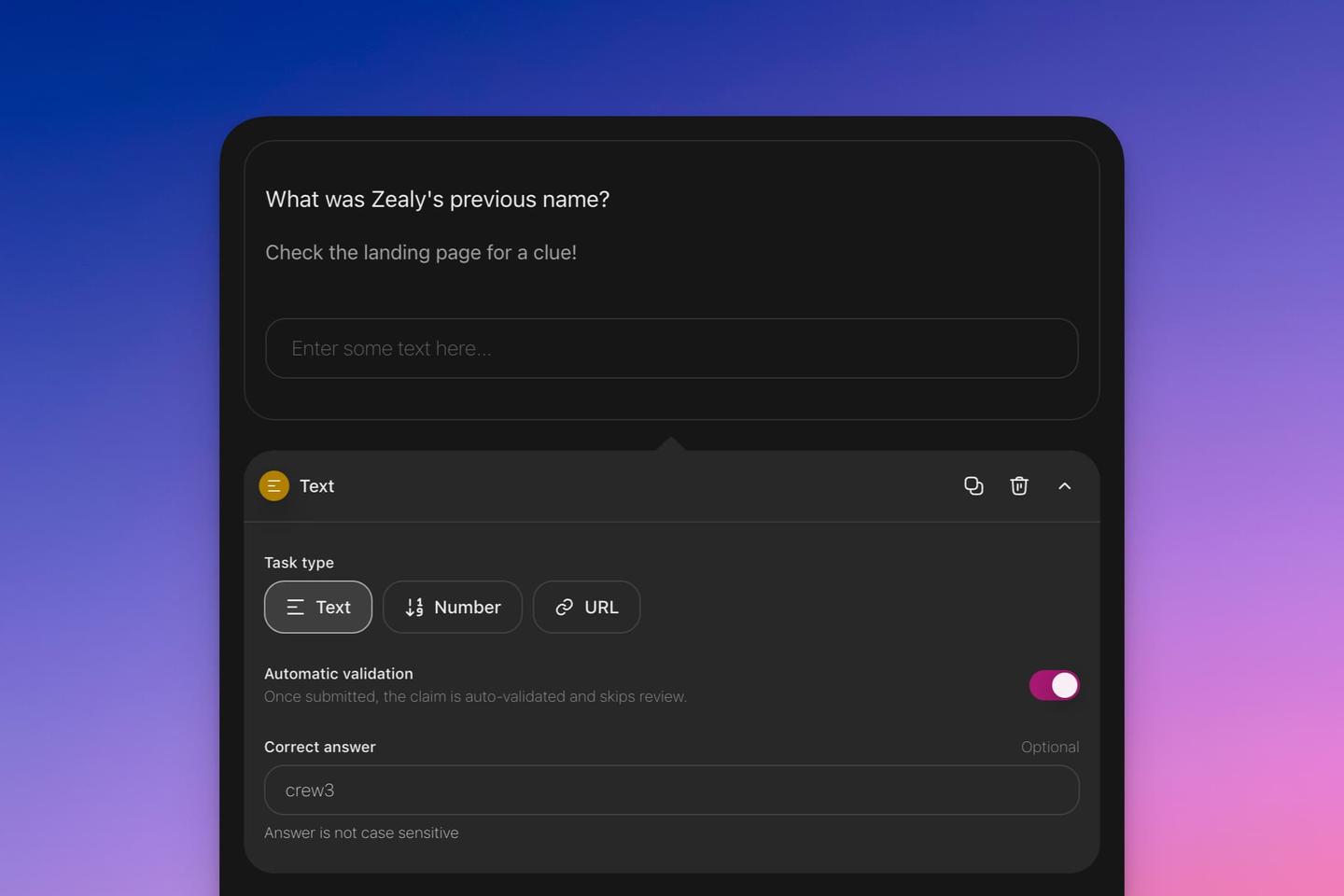
Text tasks come in three distinct types: text, number, and URL.
Overview
Text tasks come in three distinct types: text, number, and URL. Each variant functions similarly, but with specific validation checks to ensure the correct format is used.
Basics
Setting Up a "Text" Task
- Click on 'Add task'.
- Choose among 'Text', ‘Number’, or ‘URL’ based on your requirements.
Automatic Validation
Each text task variant comes with an automatic validation option. When this feature is activated:
- Tasks will be auto-approved if no specific correct answer is given.
- If a correct answer is provided, only tasks matching that answer will be validated and approved.