Opinion
Collect feedback with opinion tasks
Overview
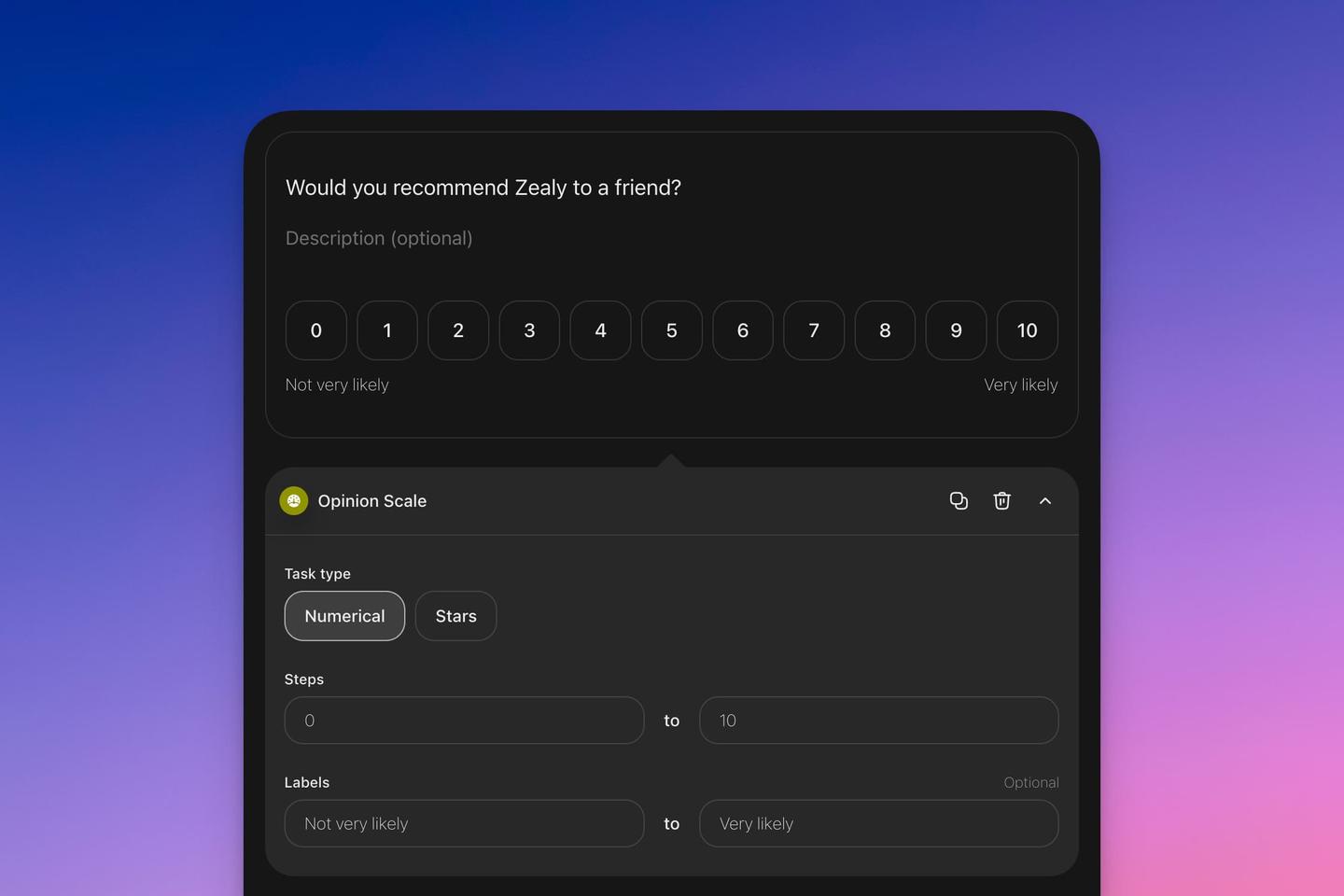
The opinion task is designed to collect feedback from users. All submissions undergo automatic validation.
Basics
Setting Up an "Opinion" Task
- Click on 'Add task'.
- Choose 'Opinion'.
- Decide on the feedback scale: numerical or star-rated. Set the minimum and maximum values accordingly.
Analyzing Responses
Navigate to the results panel to gain insights into the feedback. Here, you can observe the spread of opinions and determine how many users selected each rating.
FAQ
- Is it possible to add a comments section to the opinion task? You can add an opinion task in combination with a text task in order to understand why the user gave the score.
- How quickly are the feedback results updated?