File upload
Prompt users to upload files
Overview
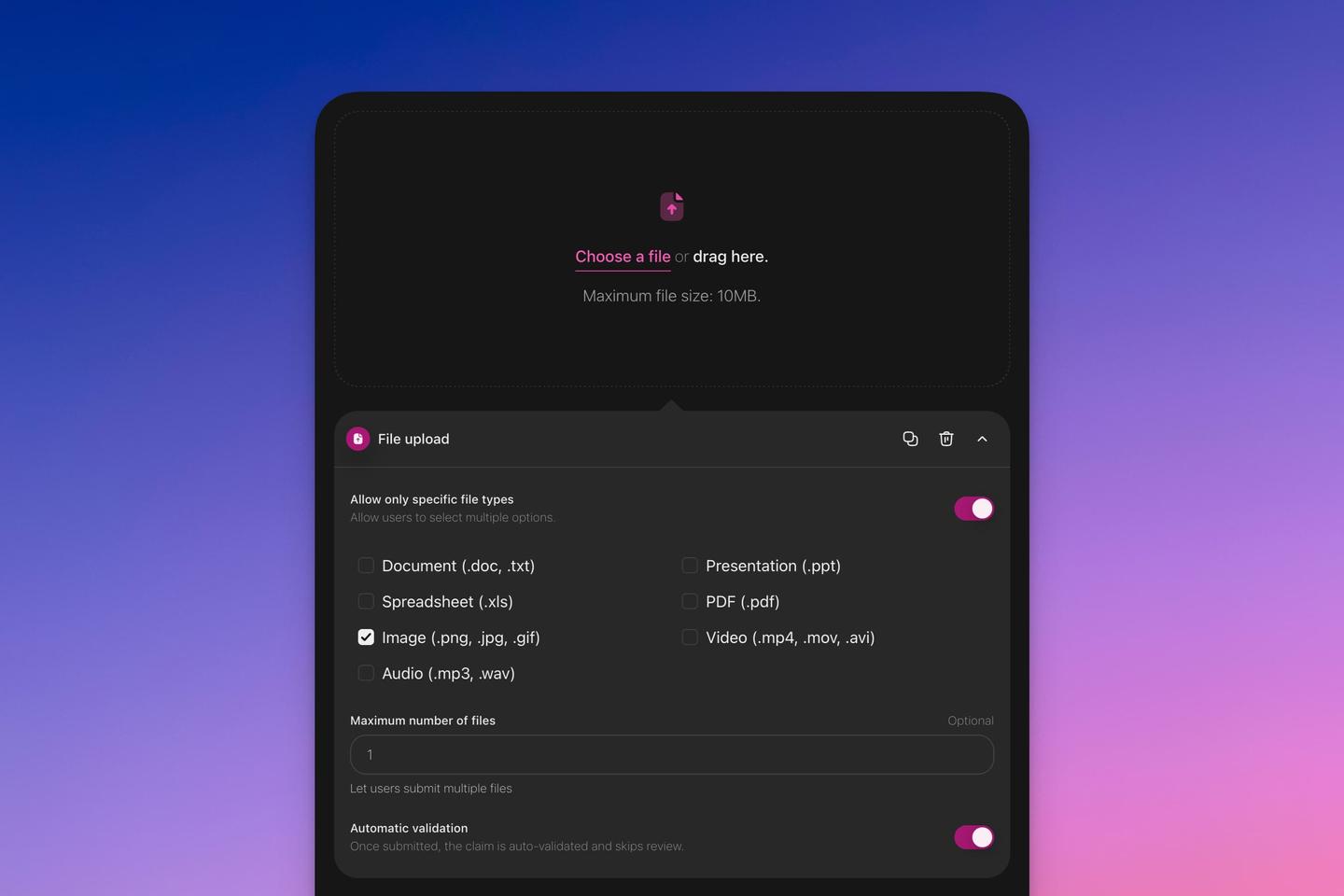
The file upload task prompts users to upload files in the specified format.
Basics
Setting up a "File Upload" Task
- Click on 'Add task'.
- Select 'File upload'.
Task Configuration
- File Types: You have the option to restrict uploads to specific file types, such as images.
- Multiple Uploads: Adjust the allowed number of files if you wish for users to submit more than one file at a time.
- Automatic Validation: If this feature is turned on, tasks with the appropriate file type will automatically be approved.