Sort
A guide on how to sort review claims to streamline the review process.
Overview
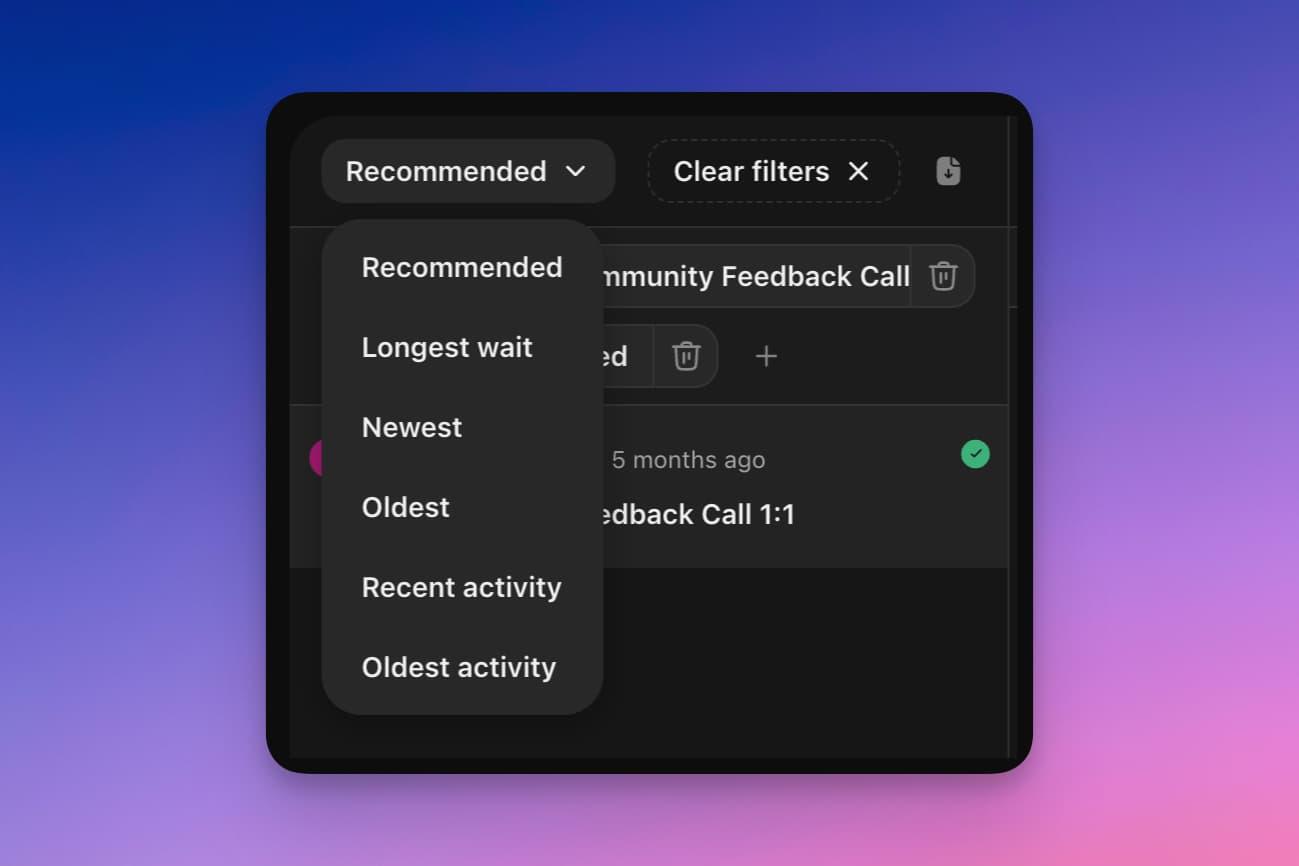
Choose from six different sorting options for reviews at the top of the page. The default setting is the recommended sort.
Basics
The recommended sort prioritizes pending claims, displaying them at the top of the list. It organizes claims by showing the newest ones first but also offers an option to view the oldest pending claims at the beginning.
-
Recommended Sort: Displays pending claims first, ordered from oldest to newest.
-
Longest wait: Displays pending claims first, ordered from oldest to newest.
-
Newest/Oldest: Sorts all claims by submission date, with the newest or oldest claims displayed first, regardless of their status.
-
Recent/Oldest Activity: Organizes claims based on the most recent activity, whether it's a new claim submission or a recent review, with the option to view claims with the oldest activities first.
This sorting feature helps manage and review claims more efficiently by allowing you to quickly access the claims that require immediate attention or those that have been pending for the longest time.