Filters
A guide to utilizing filters for efficient review management.
Overview
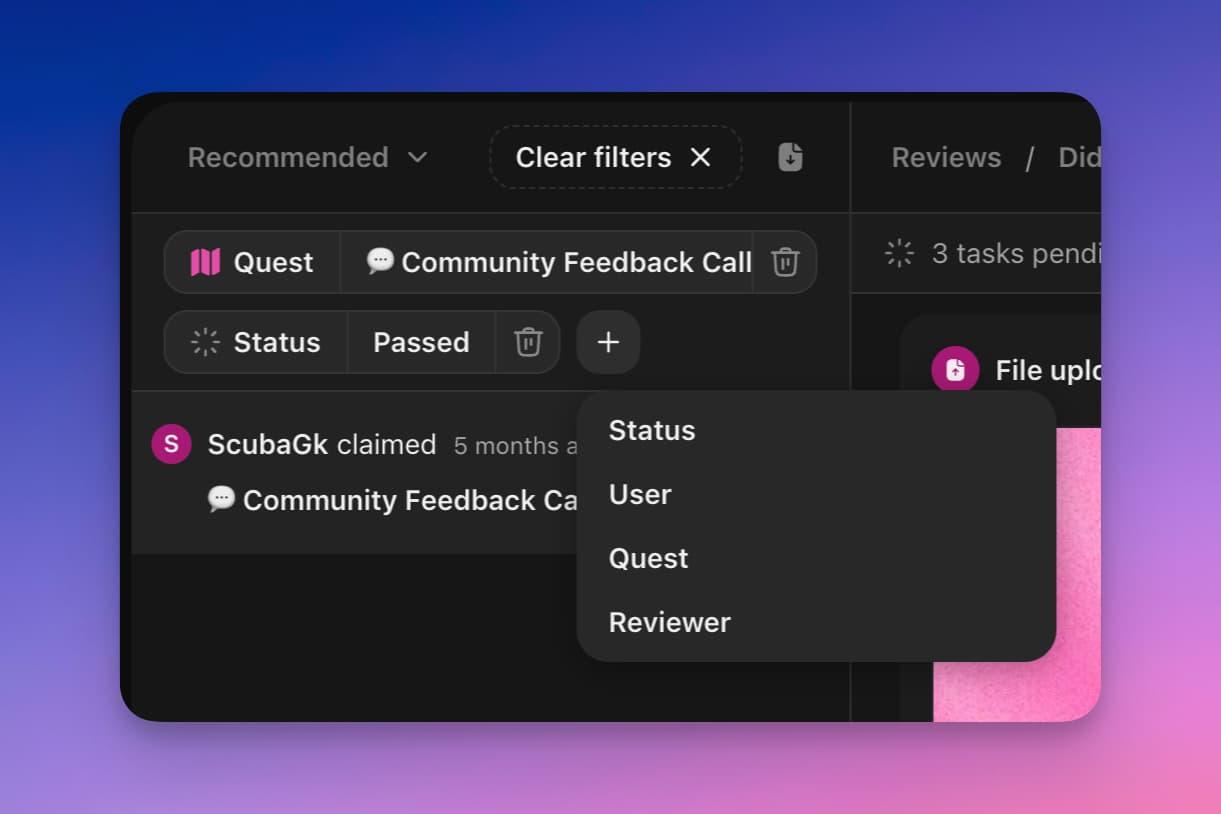
Filters help streamline your review process, allowing you to focus on specific quests or review claims made by a particular user. You can apply a filter from the top left of the reviews page or by pressing ⎇+F.
Basics
-
Filter by Reviewer: Displays only the reviews handled by a specific reviewer. This is useful for tracking the work of individual team members.
-
Filter by Status: Narrows down the reviews to those matching a specific status, helping you focus on pending, successful, or failed claims as needed.
-
Filter by User: Shows claims made by a specific user, ideal for reviewing all submissions from a single participant.
-
Filter by Quest: Filters the claims to those associated with a particular quest, making it easier to manage reviews related to the same task.
Video
This video demonstrates how to apply and utilize filters on the reviews page for a more focused and efficient review process.