Export
A guide on how to export claims for reward distribution or information analysis.
Overview
Exporting claims can help you distribute rewards for activities not covered by automatic processes or to analyze data from quests.
Basics
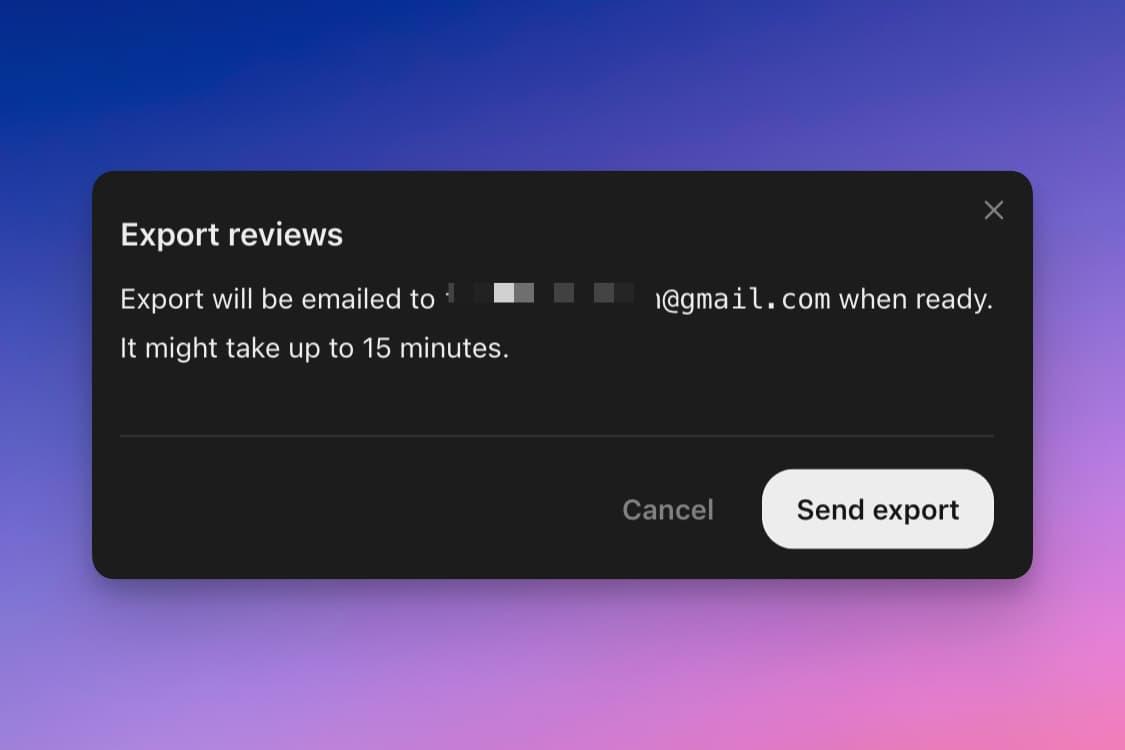
First, apply the filters to select the reviews you wish to export. Then, click the download icon at the top of the page. The export process will run in the background, and you'll receive the exported file via email upon completion. This process can take up to 30 minutes, depending on the volume of claims.