Share quests
Learn how to easily share your quests
Overview
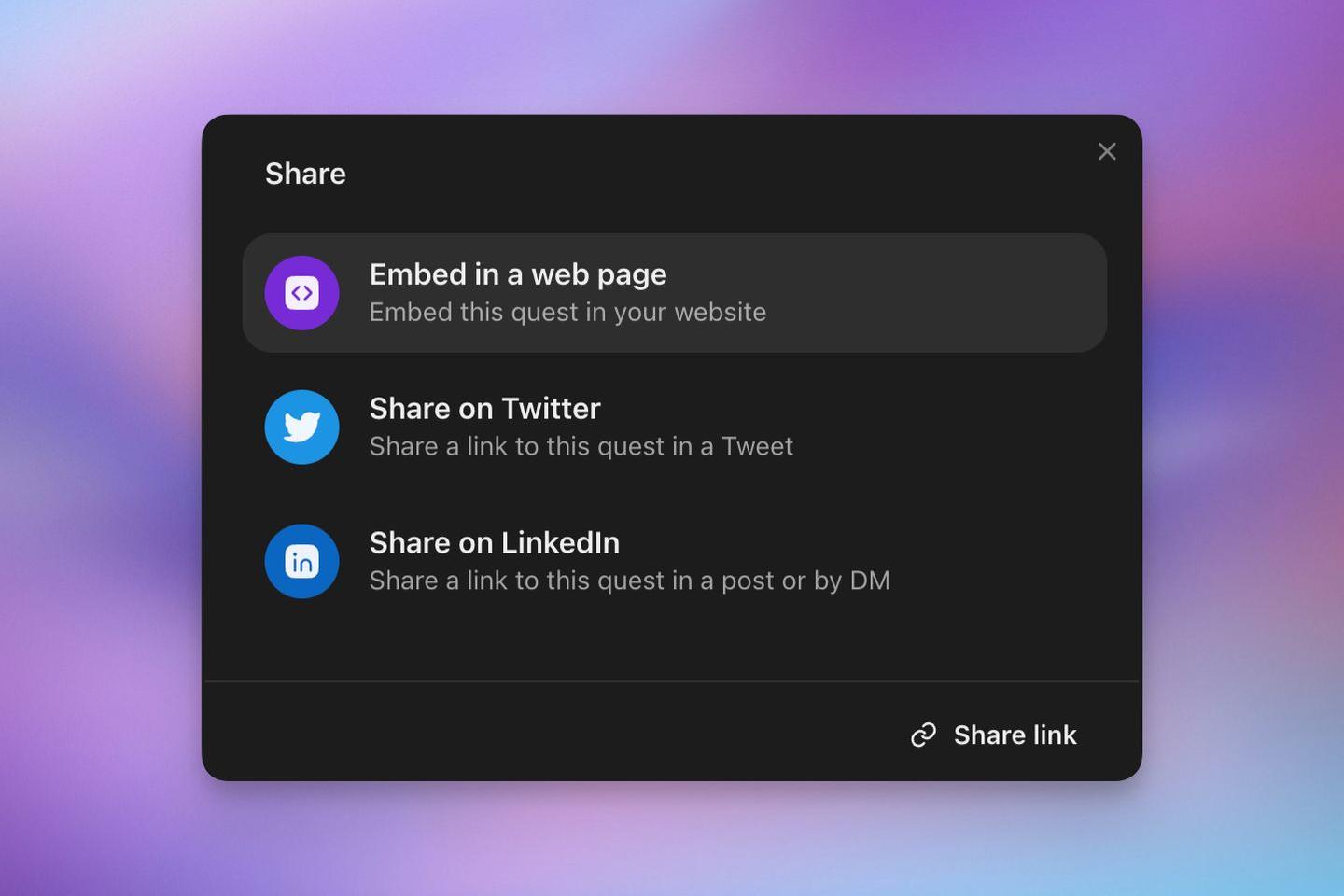
Zealy makes it easy to share your quests with others. You can embed quests on a webpage or share them on social media platforms like Twitter and LinkedIn.
How to Share
There are two ways to access the share options for a quest.
From the quest table:
- Right-click on the quest you want to share
- Select "Share" from the dropdown menu
From the quest editor:
- Click the "Share" button at the top of the page
Sharing Options
The share modal offers four options:
- Embed in a web page
- Share on Twitter
- Share on LinkedIn
- Copy link
Embedding a Quest
To embed a quest on your website:
- Select "Embed in a web page"
- Review the preview of how the quest will appear
- Click "Copy code" to copy the embed snippet
- Paste the snippet into your webpage's HTML
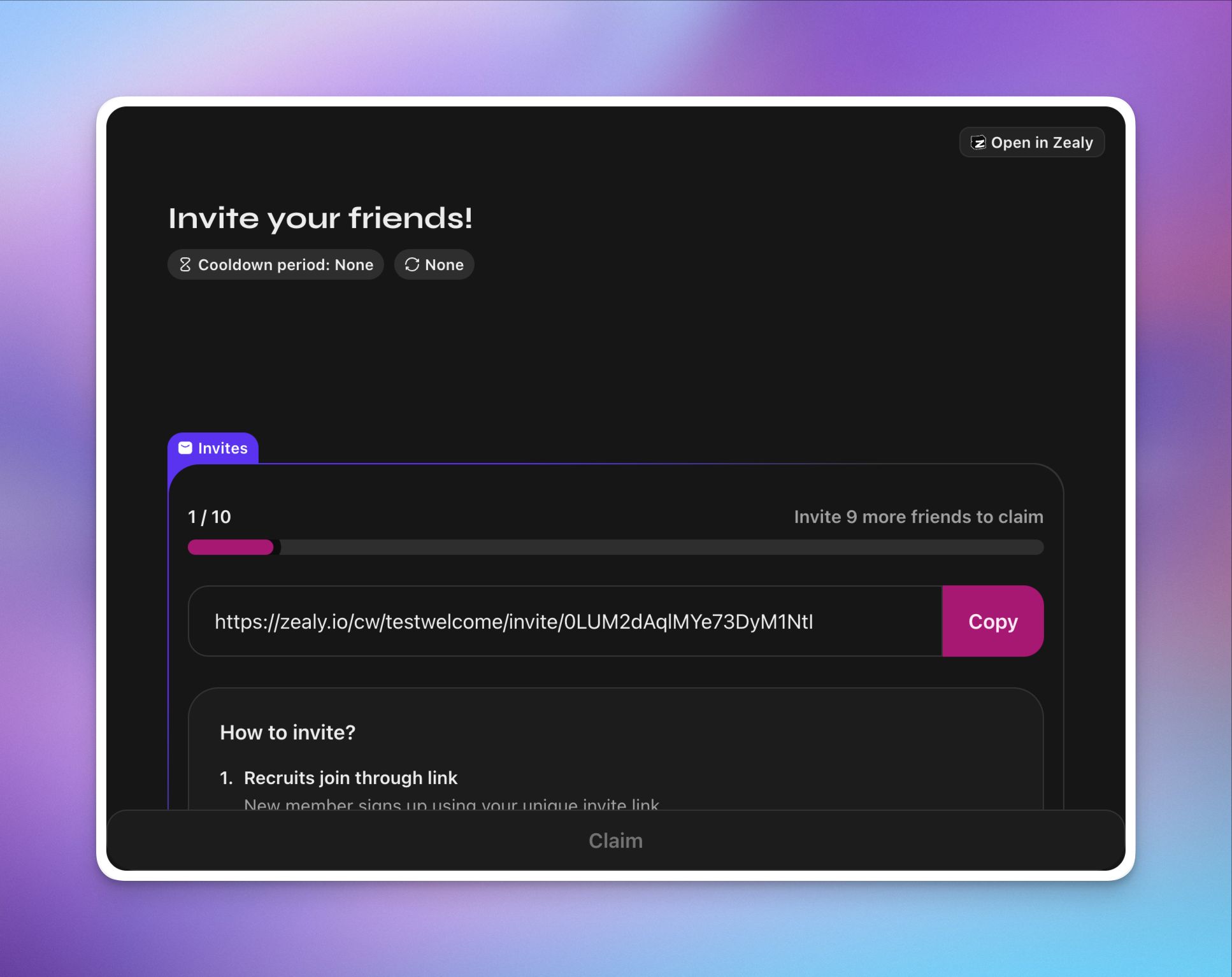
The default size for embedded quests is full width and 600px high. By embedding quests, you agree to the Zealy API Terms of Service. Always ensure you have the necessary permissions to embed content on your chosen platforms.
Sharing on Social Media
When you choose Twitter or LinkedIn you'll be redirected to the respective platform. A pre-filled post with a link to your quest will be ready to share.
Copying the Link
To simply copy the quest's URL:
- Click the "Share link" button at the bottom of the share modal
- Paste the link wherever you'd like to share it
Best Practices for Sharing Quests
- Use clear and engaging titles for your quests to attract participants
- Share quests that align with your audience's interests
- Consider the timing of your share to maximize visibility
- Provide context when sharing on social media to encourage engagement
- If embedding, ensure the quest fits well within your webpage's design