Markdown editor
Learn how to edit the description of a quest
Overview
We support most Markdown elements in our text editor. Type in Markdown or paste it directly and it will be converted into rich text automatically.
Read more about Markdown and access full capabilities here.
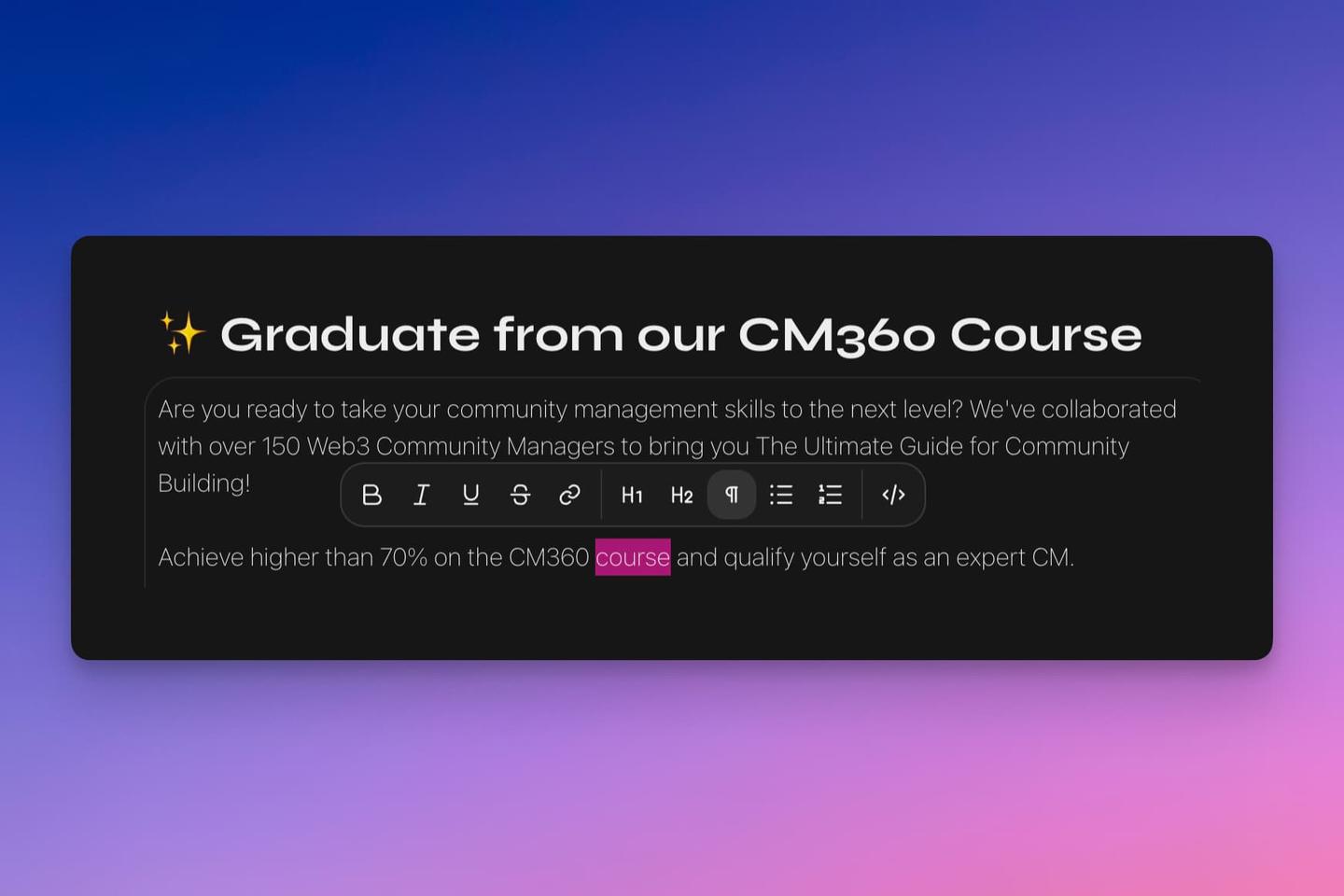
You can also apply styling with a toolbar, which will pop up after you highlight a word or phrase.
Basics
Text styling
These styles can be applied using keyboard shortcuts or by highlighting text to bring up a styling toolbar:
-
**text**or ⌘ B for bold text -
_text_or ⌘ I or for italicized text -
1.or ⌘ ⇧ 7 for a numbered list -
*or ⌘ ⇧ 8 for a bulleted list -
[]or ⌘ ⇧ 9 for a checklist -
⌘ U for underlined text
-
>or ⌘ ⇧ B for blockquotes -
#then Space Heading 1 -
##then Space Heading 2 -
###then Space Heading 3 -
⌘ E for inline code
-
⌘ ⇧ X for strikethrough
-
`then Space or ⌘ ⌥ C for a code block -
___then Space for a horizontal divider
Helpful commands
- ⌘ A to select all content in a description (to copy or delete)
- ⌘ Z to undo typing
- ⌘ ⇧ Z to redo typing
- ⇧ ↩ to generate a line break