Delete quests
Learn how to quickly delete your quests
Overview
All editors and admins are able to delete the quests, regardless of who created them.
A deleted quest is not available to your community and is not recoverable either.
Basics
Delete inline
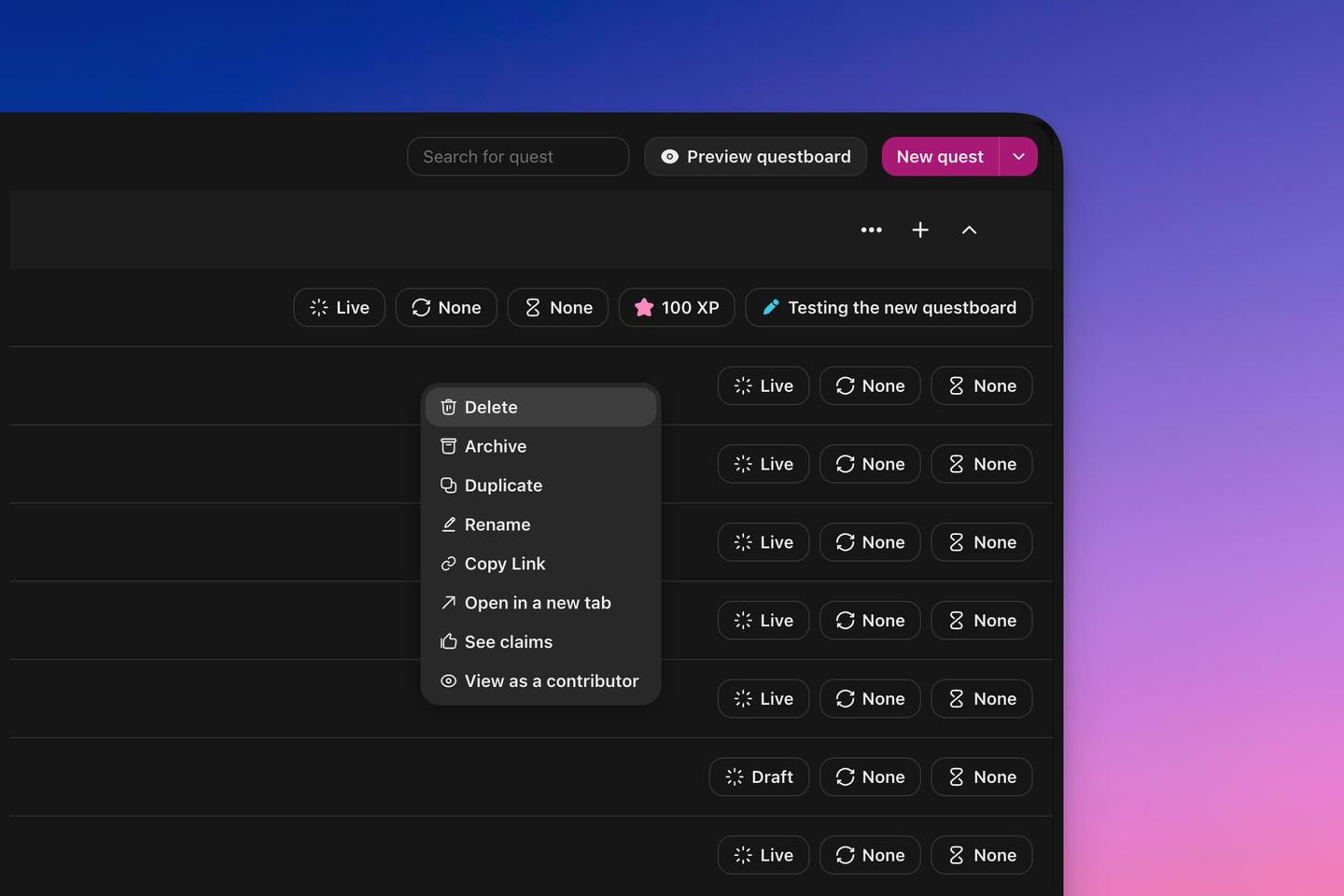
You can delete any quest by right-clicking on it from the admin quests page and selecting Delete.
Delete multiple quests
You can delete multiple quests at the same time by hovering the quest near the title and select it by clicking the checkbox. When selecting one or multiple quests a menu will appear at the bottom of the page and you can click the Delete button to delete then all.
Delete from quest editor
Click on any quest from the admin quests page to open the editor. Click the ... button at the top of the page and select Delete.