Archive quests
Learn how to quickly archive your quests
Overview
All editors and admins are able to archive the quests, regardless of who created them.
An archived quest is not available to your community until you put it back to draft or published.
Basics
Archive inline
You can archive any quest by right-clicking on it from the admin quests page and selecting Archive.
Archive from quest editor
Click on any quest from the admin quests page to open the editor. Click the ... button at the top of the page and select Archive.
Retrieving archived quests
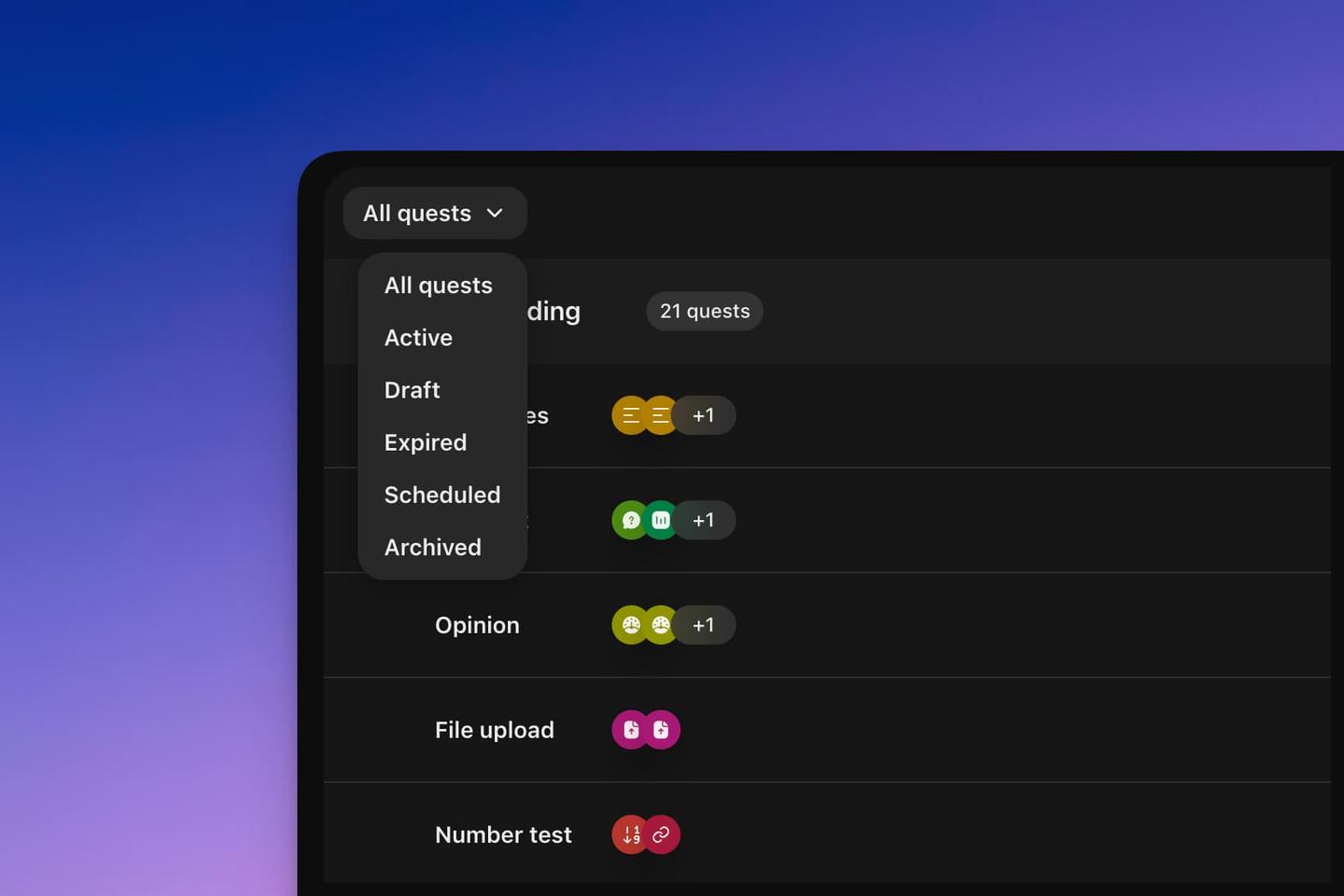
From the admin quests page, open the filter at the top of the page (All by default) and select Archived. You can then click on the quest and put it back as draft or published