Publishing
Hide unfinished quests from contributors
Overview
Keep any unfinished quests as a draft. This will hide them from contributors, while still showing them to other editors.
Basics
Save as draft
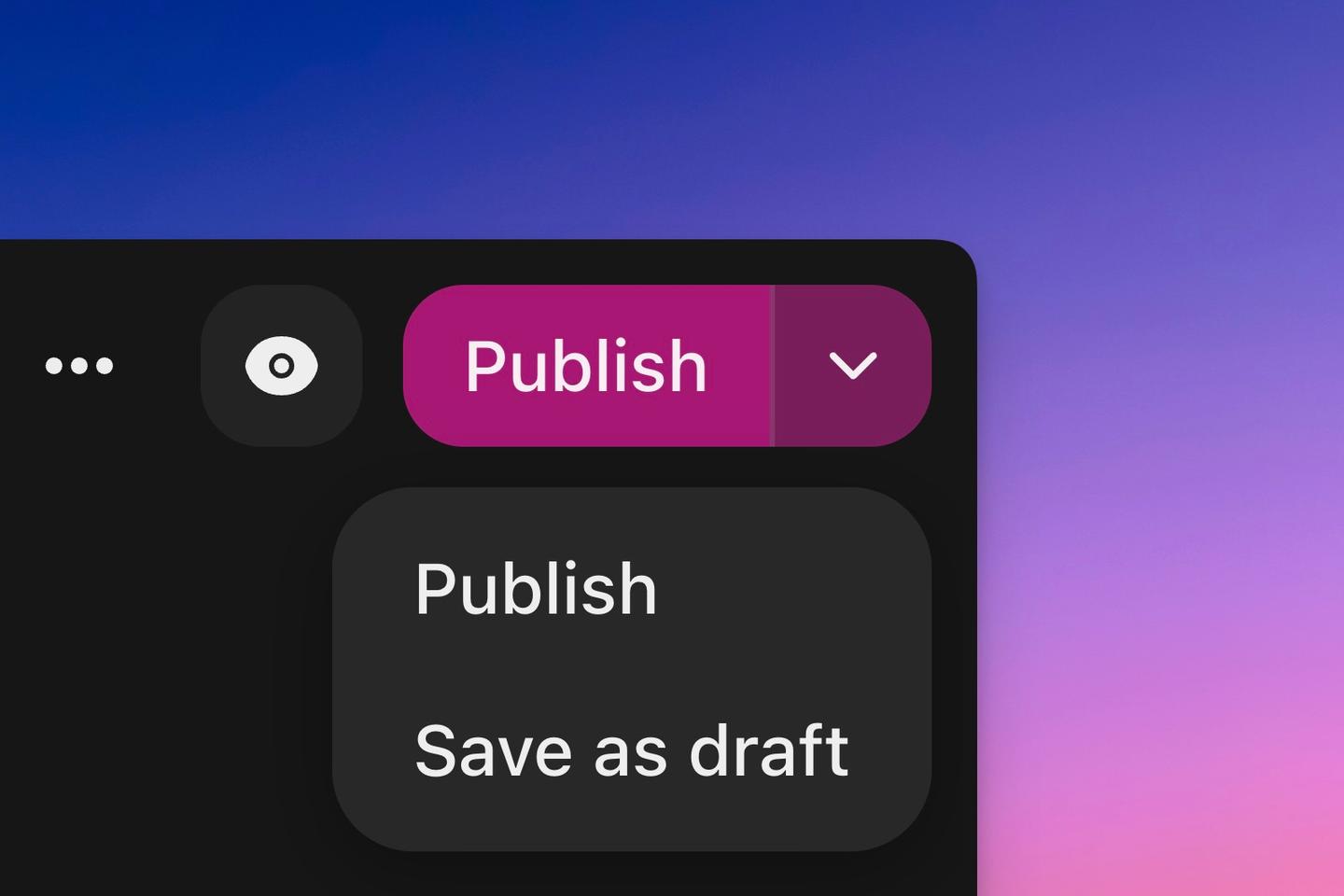
When editing a quest you can save it as draft by clicking the arrow down next to the ‘Publish’ button. You can also toggle this from the quests page by clicking on the current value and changing it in the dropdown.
Publishing
When the quest is ready, just click ‘Publish’ on the quest editor.