Create partnerships
Learn everything you need to know about partnerships in Zealy
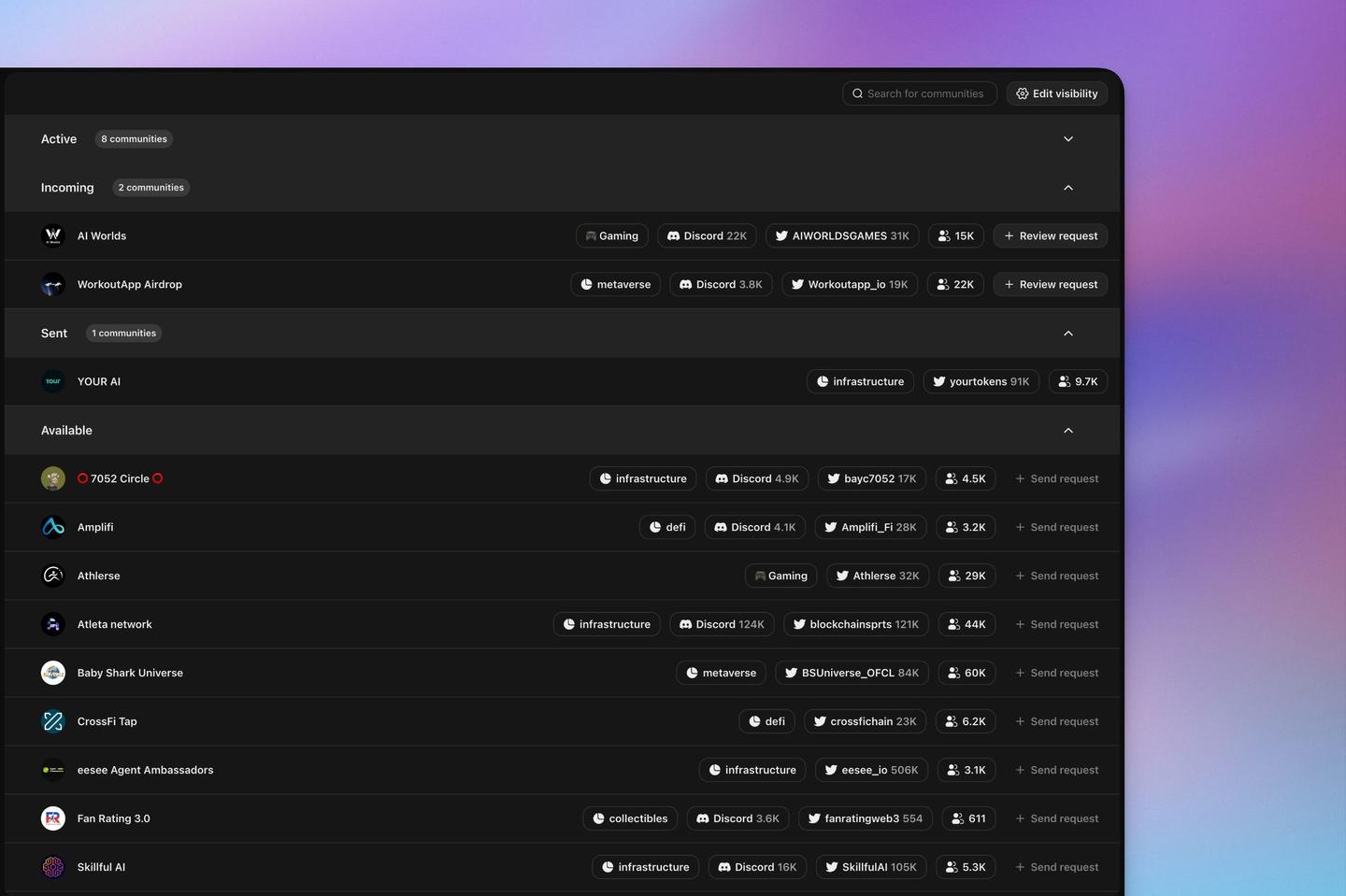
Partnerships connect two Zealy communities and open a channel of communication between them. Editors and admins request a partnership from the Partnerships tab, then track it across the Active, Incoming, Sent, and Available lists. Turn on partnership visibility in community settings to be suggested to other communities looking for collaborators.
Overview
All editors and admins can request partnerships with other communities.
Partnerships pave the way for better communication between two communities.
Basics
Creating a Partnership
To initiate a partnership, visit the "Partnerships" tab from the sidebar. In the last section (the one with the search bar), find the community you wish to partner with and click the request button.
Manage partnerships
The "Partnerships" page provides four sections:
1. Active
This list includes partnerships mutually validated by both communities.
2. Incoming
This list shows requests waiting for your response.
3. Sent
This list displays the partnership requests you've sent to other communities.
4. Available
This list suggests communities you might consider for partnerships.
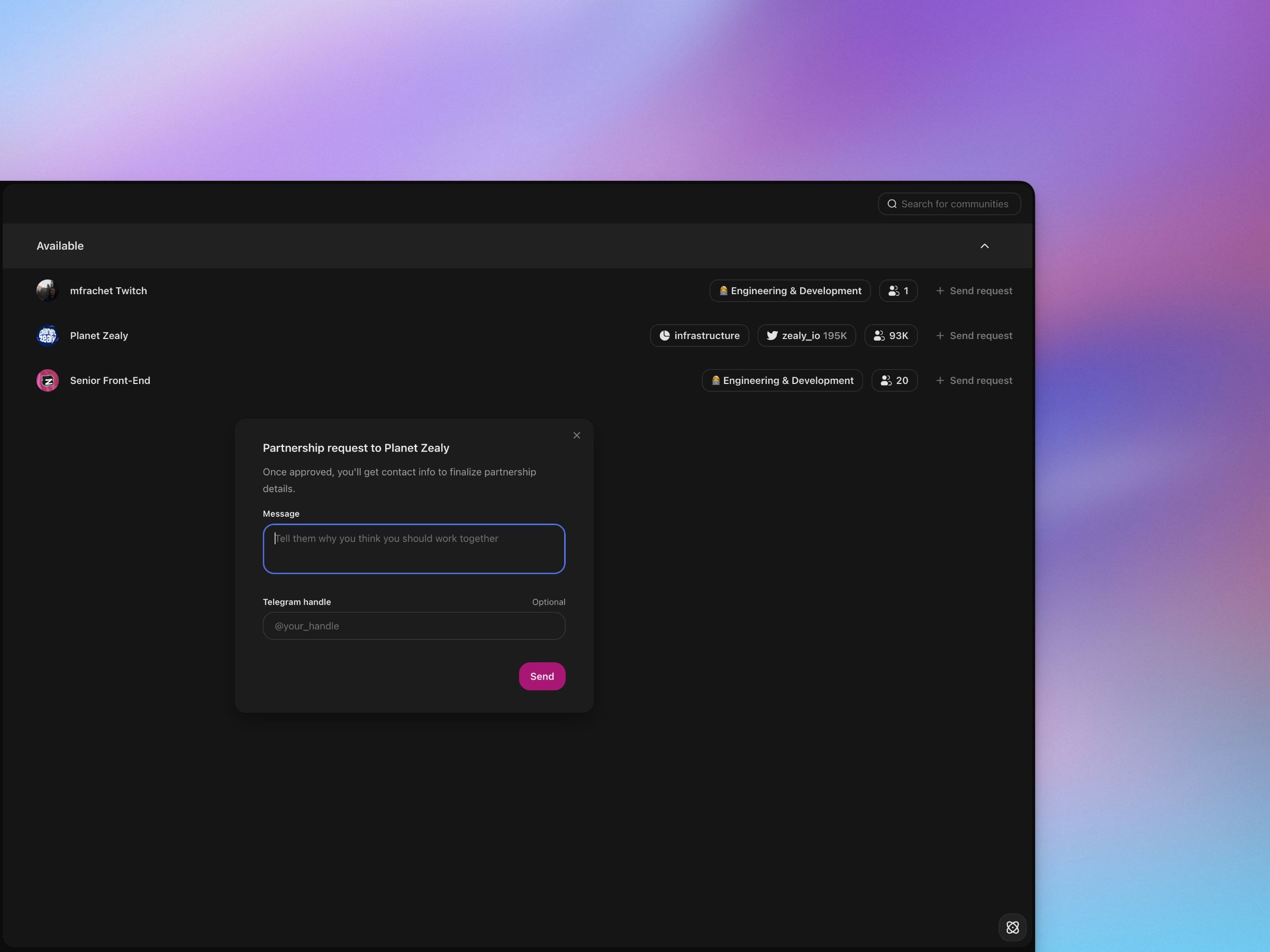
Configure visibility
To be listed in the available section for other communities, you must first activate this feature in your community settings.
On the same settings page, you can specify the minimum number of members a community must have to send you a partnership request.