Edit modules
Learn how to group quests using modules
Overview
In this guide, you'll discover how to effectively modify modules on Zealy.
Basics
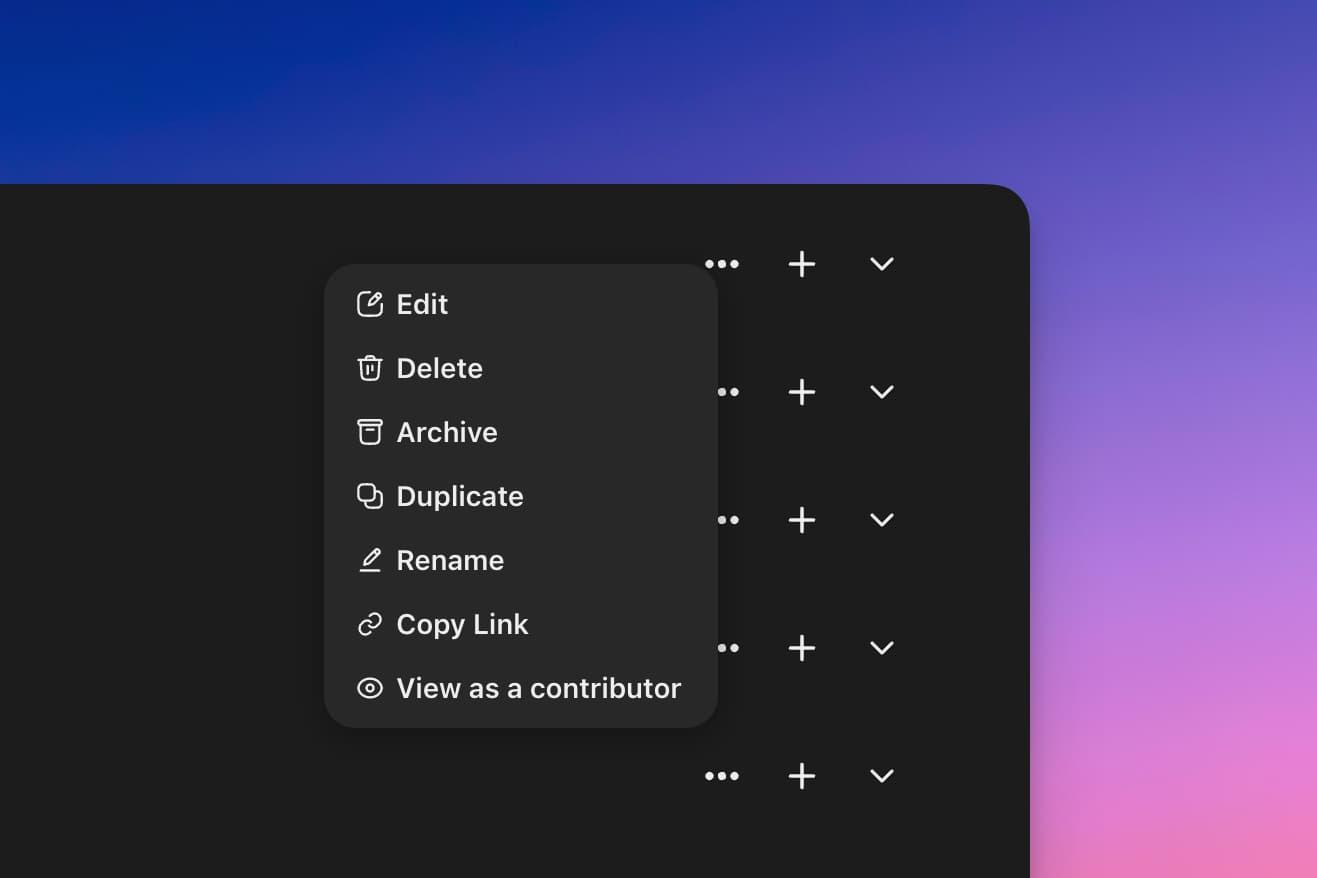
Edit a module
To make changes to a module, start by clicking on the '…' button located on the right side of the module's interface or by right-clicking the module. From the dropdown options, select 'edit module' to access the module's settings and make desired adjustments.
Changing order
If you wish to change the sequence of quests or modules, simply hover over the quest or module. Upon hovering, you'll notice a drag icon appearing on the left side. By clicking and holding down on this icon, you can drag the quest or module to its new position.
It's important to note that for contributors, the quests will always be displayed in this newly adjusted order if they are all accessible. However, if a quest is already completed or if it's locked due to specific conditions, accessible quests will be displayed above.