Telegram
Connect Zealy with your Telegram channel
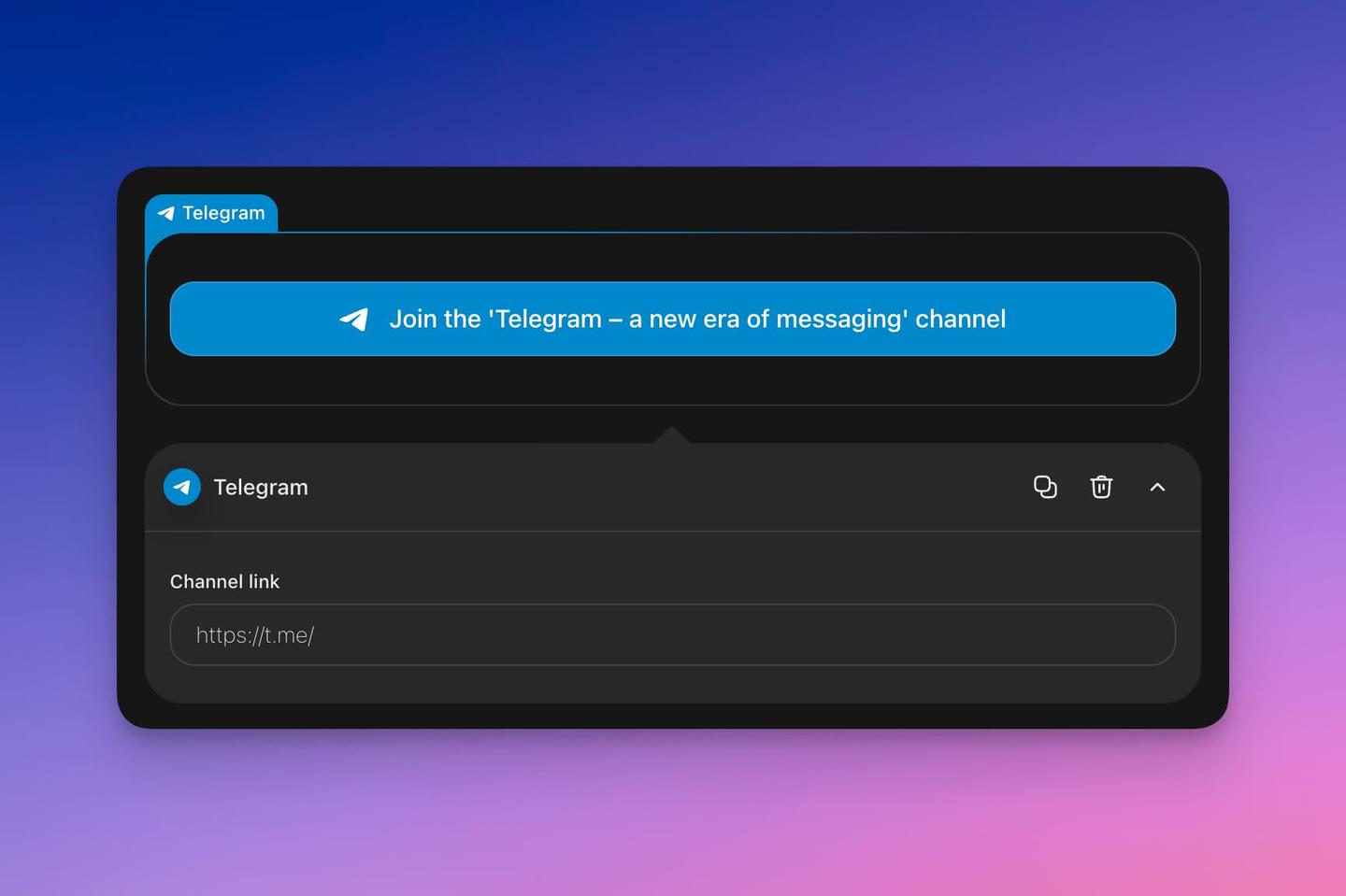
Only one Zealy automation for Telegram exists today: a message posted to your channel whenever a new quest is published. More are planned. An administrator connects the channel from Settings > Community > Integrations > Telegram, after which any editor or admin can enable automations and pick which channel receives the notifications.
Overview
The Telegram integration allows you to automate community engagement by sending notifications to your Telegram channel when specific events occur on your Zealy community.
Basics
Configuration
Community administrators can add the Telegram integration from Settings > Community > Integrations > Telegram. Once connected, any editor or admin can configure automations for the channel.
Channel Automations
From the integration settings panel, you can enable various automations for your Telegram channel. This ensures your community stays informed about important events without any manual effort.
Currently available automations include:
- New Quest: Automatically notify your channel when a new quest is published
Additional automation types will be added based on community feedback and usage.
How It Works
- Go to your community settings
- Navigate to Integrations and select Telegram
- Connect your Telegram channel
- Enable the automations you want to activate
- Configure which channel should receive notifications
Once set up, notifications will be sent automatically to your Telegram channel whenever the configured events occur.