API
The Zealy API lets you extend Zealy's functionality beyond what we provide out of the box.
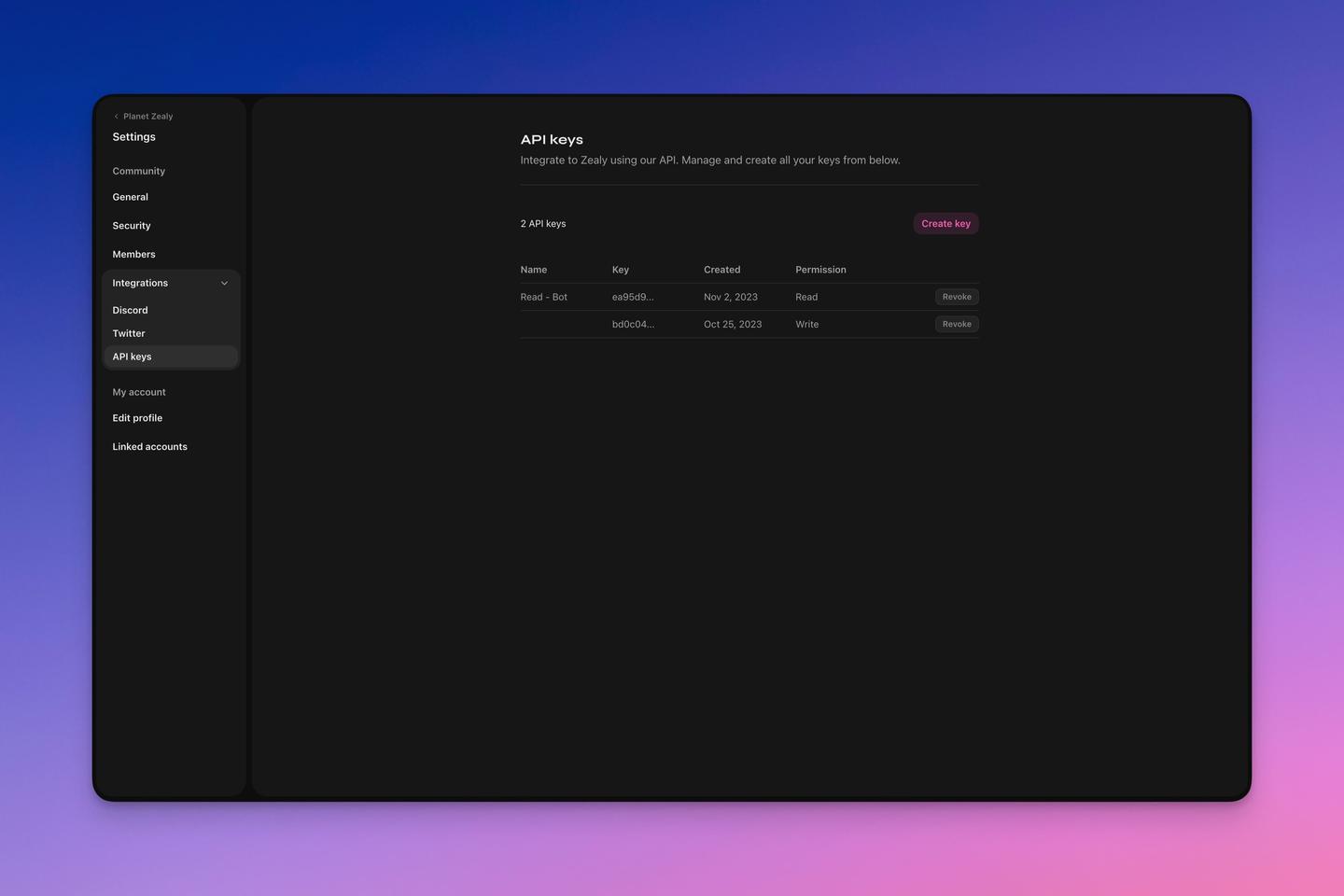
A new Zealy API key is displayed in full only once, at creation; lose it and the only remedy is to revoke that key and generate another. Keys are created under Settings > Community > API keys, where each one can be named and optionally restricted to read access, meaning GET requests only.
Overview
The Zealy API lets you extend Zealy's functionality beyond what we provide out of the box.
Basics
API keys
Go to Settings > Community > API keys to generate and manage your API keys. You can name the keys if you want and limit their scope to only read access (only GET requests). When generating a new key it will be the only time you see the full API key. If you lose it, you can revoke the key and generate a new one.
For more information about the endpoints and API visit our API documentation.